Discord Video Compressor
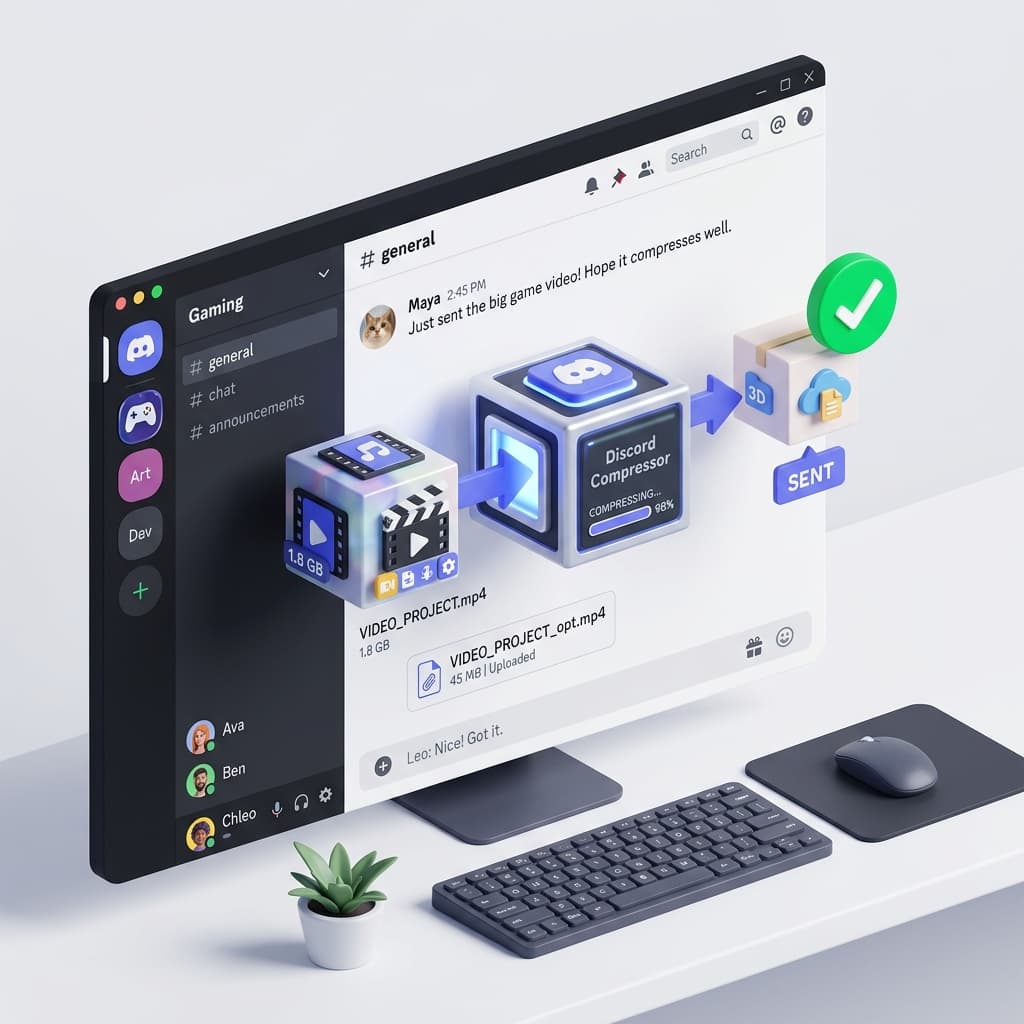
Tired of Discord Nitro prompts? Compress your memes and clips to fit under the 8MB or 25MB free limit instantly.
Why Choose Discord
Discord's upload limits are the bane of every gamer. Whether you need a video compressor for Discord at 8MB, an mp4 compressor for Discord at 25MB, or a video compress for Discord tool for Nitro users, our free online tool ensures your clips stay high-quality and shareable. Also works as a discord video compressor 10mb and video compresser for discord.
Nitro Friendly
Presets for 8MB, 25MB, and 50MB Discord limits.
Gamer Ready
Perfect for high-FPS gameplay clips from OBS or Shadowplay.
Auto-Resize
Adjusts dimensions to ensure the file fits the tiny Discord limit.
Optimized for Seamless Upload and Playback on All Major Platforms
Compress your videos to meet the strict upload constraints of your favorite websites, email providers, and social media platforms.
How Our Video Compressor Works Discord
Upload Clip
Drag your gameplay clip or meme into the box.
Set 8MB Target
Use the slider to hit the 8MB mark exactly.
Share on Discord
Post your video in any channel without Nitro.
Free Video Compressor for Discord Uploads
Our specialized engine ensures your videos meet Discord requirements perfectly while maintaining stunning visual quality.

Secure Offline Compression
Your privacy is our priority. Our browser-based engine processes your videos locally, ensuring no data ever leaves your device.
Frequently Asked Questions Discord
What is the Discord free limit?
Discord recently increased the free limit to 25MB for most users, but 8MB is still safer for some servers.
Does it support .webm?
Yes, we recommend .webm for Discord as it has better compression for small sizes.
More Free Video Tools for Discord
While optimizing your Discord videos, explore our other powerful browser-based tools.
Video Compressor
PopularOptimize video size, as well as quality for viewing and sharing, storage, websites and social media uploads. Works with MP4, MOV, AVI, MKV and more popular file formats. COMPRESS • OPTIMIZE • REDUCE FILE SIZE
Online Video Cutter
Trim long recordings, remove extraneous parts and make shorter clips for YouTube, TikTok, Instagram Reels, tutorials, presentations, and creator content. CUT • SPLIT • EDIT VIDEO CLIPS
Video Cropper
Use ready-made social media presets to resize videos to fit vertical, square or widescreen format. Ideal for TikTok, Shorts, Instagram, Facebook and mobile-optimized content. CROP • RESIZE • SOCIAL MEDIA READY
Video to MP3
Get a good audio output from videos in no time. Extract audio from video files for podcasts, music clips, voice recordings and to listen without need for an internet connection.
Video to Audio
Extract audio from video, control sound quality, file format and process audio data quickly with our powerful video to audio converter online free for every day and professional use.
Video to Text
NewAutomatically transcribe the audio from video to text with intelligent speech transcription. Create subtitles, notes, captions and transcripts quicker for content creation and accessibility.
Private DISCORD Compression Without Upload Risks
Unlike other video compression companies, VideoCompressorPro keeps your privacy first. Our video quality reducer and optimizer works entirely in your browser — no uploads, no server storage. Whether you need a free video compressor for large files, a fast video compressor, or a video compressor without losing quality, we handle it safely on any device.
- No file size limits for basic compression
- Your videos never touch our servers
- Works offline after first load
- No account or sign-up required
Supports 30+ Video Formats
Whatever format your video is in, we handle it.
Compress Large Videos in Seconds
Get VideoCompressorPro, the fastest free online video compressor and video file compressor for smaller video files. Compress video for Discord, email, iPhone, Android, WhatsApp and more — hassle-free sharing with no quality drop.
Compress Videos FreeRelated Free Video & Audio Tools
See additional browser-based applications from VideoCompressorPro, optimized for speed, security and hassle free media conversion without download and complicated software.
Online Video Cutter
Trim long recordings, remove extraneous parts and make shorter clips for YouTube, TikTok, Instagram Reels, tutorials, presentations, and creator content. CUT • SPLIT • EDIT VIDEO CLIPS
Video Cropper
Use ready-made social media presets to resize videos to fit vertical, square or widescreen format. Ideal for TikTok, Shorts, Instagram, Facebook and mobile-optimized content. CROP • RESIZE • SOCIAL MEDIA READY
Video to MP3
Get a good audio output from videos in no time. Extract audio from video files for podcasts, music clips, voice recordings and to listen without need for an internet connection.
Professional Grade Quality Guaranteed
This tool and documentation are maintained by the VideoCompressorPro multimedia engineering team. We use advanced FFmpeg algorithms to ensure your videos are compressed with the perfect balance of size and quality. All processing happens 100% in your browser for total privacy.